Christmas Stickers Printable: 4 Free Sheets of Kawaii Stickers
Free printable Christmas stickers: Santa, a Christmas tree, a snowman, gifts, hot cocoa, a gingerbread house, a snow globe, a gnome and more — 24 kawaii stickers.
Pages in this set
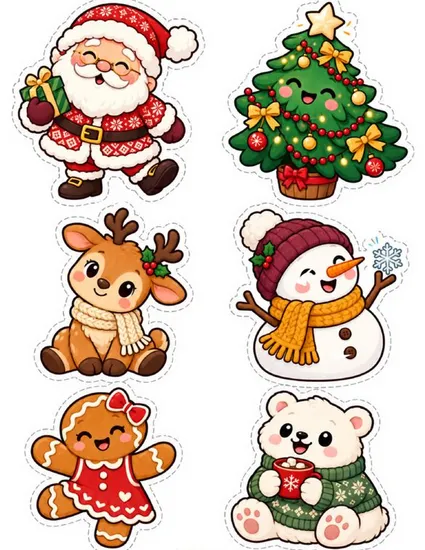
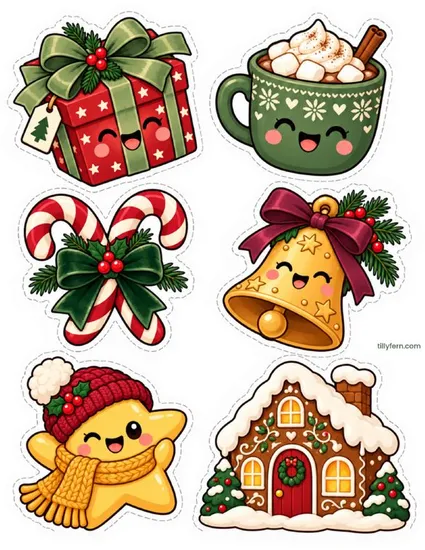
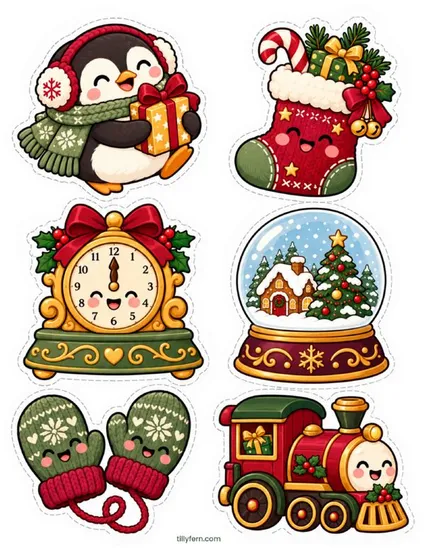
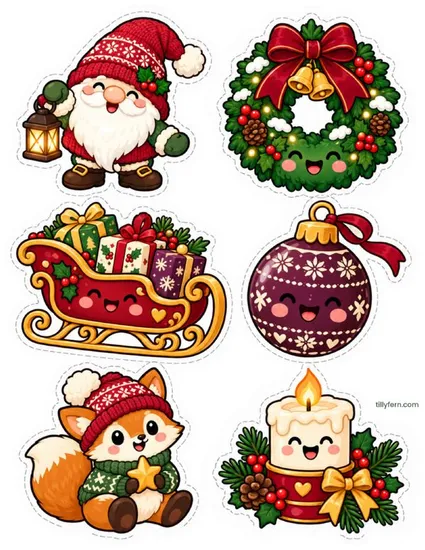
Twenty-four printable Christmas stickers with happy kawaii faces: Santa with a present, a Christmas tree, a reindeer, a snowman, a gingerbread girl and a polar bear with cocoa; a wrapped gift, hot cocoa with marshmallows, candy canes, a jingle bell, a star in a hat and a gingerbread house; a penguin, a stocking, a mantel clock, a snow globe, mittens and a toy train; and a gnome, a wreath, Santa’s sleigh, an ornament, a little fox and a candle. Four sheets, six stickers each, all with a white border and a dashed cut line.
Ideas for the holidays
Use them as gift tags and envelope seals, decorate Christmas cards and letters to Santa, make an advent calendar (one sticker a day on a paper chain), fill a December journal spread or hand them out as classroom rewards before the break.
How to print the stickers
- Print the sheet at 100% (“actual size”) on Letter or A4 — full-sheet sticker paper (matte or glossy) works best.
- Cut along the dashed line around each sticker, keeping the white border; it makes the sticker look finished.
- Peel and stick. On plain paper, use a glue stick or double-sided tape instead.
More Christmas printables
The cute Christmas stickers have 78 animals in Santa hats — bunnies, cats, dogs and cozy animals — and our Christmas paper squishies make a quick holiday craft.
Free for personal and classroom use. Please don't resell or re-upload the files — link to this page instead. Terms of Use.
Questions
What paper do I need?
Full-sheet printable sticker paper (often called "sticker paper" or "full-page labels") for real peel-and-stick stickers — matte for journals, glossy for brighter colors. Plain paper with a glue stick works too, and is perfect for classroom crafts.
Can I use them as gift tags?
Yes — that is what most people do with them. Print on sticker paper, cut out and stick them on wrapping paper, or print on cardstock and punch a hole for a hanging tag.
Can I use a Cricut or Silhouette?
Yes. Import the page image, trace the dashed cut lines (or use offset cut around each sticker) and use Print Then Cut. Keep the scale at 100% so the stickers stay their size.
Can I use them in class or sell them?
Use them at home and in your classroom as much as you like — print as many copies as you need. Please share the link to this page instead of the PDF, and do not sell the stickers or the files.
You may also like
All stickers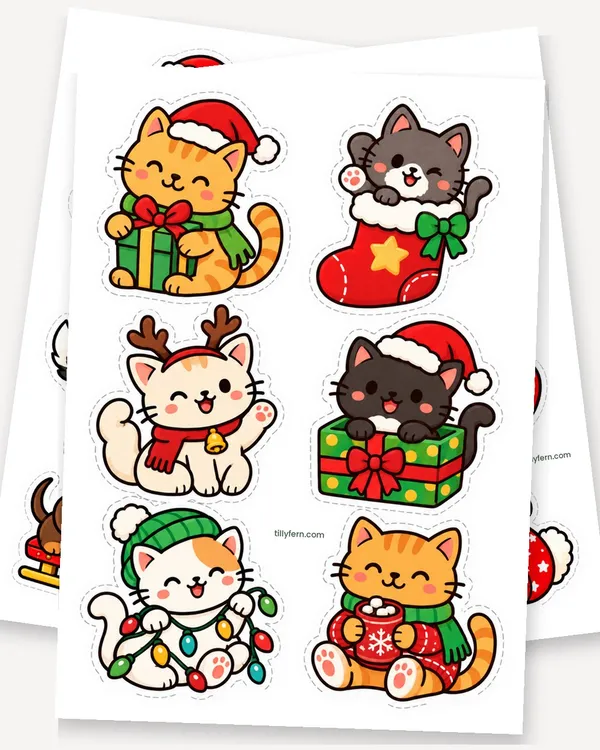
Cute Christmas Stickers: 13 Free Printable Sheets of Animals
Stickers · 13 pages
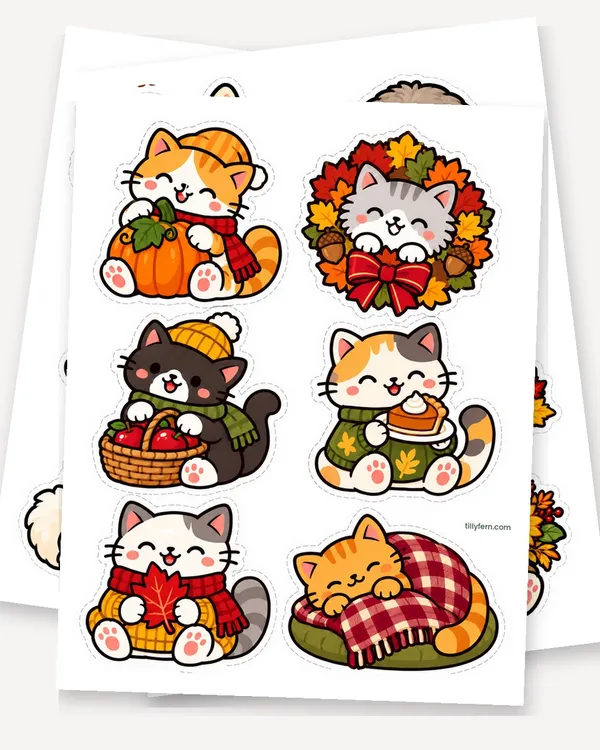
Cute Fall Stickers: 12 Free Printable Sheets of Cozy Animals
Stickers · 12 pages
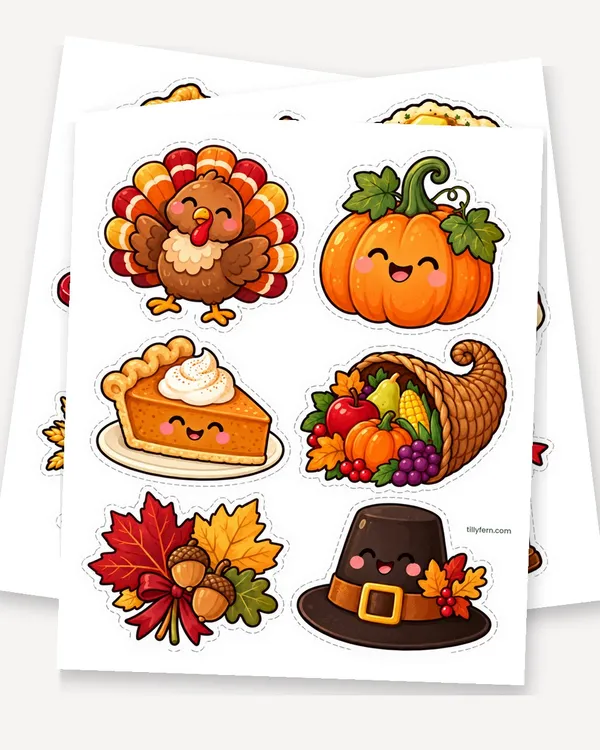
Thanksgiving Stickers: 4 Free Printable Sticker Sheets
Stickers · 4 pages
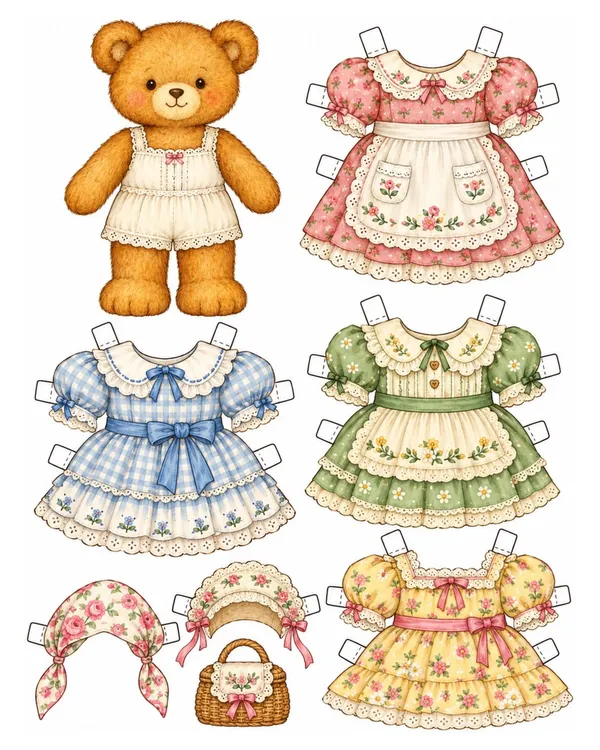
Paper Bear Doll Printable: 7 Free Teddy Bear Wardrobes
Paper Dolls · 7 pages